
Instructions for using the WildFireWeb® Content Management System
How can I make addresses from my address book automatically fill in when I start typing them?
Log in to Webmail and click the "Options" button on the top toolbar

Click the "Address Books" link
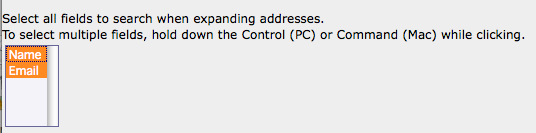
Select the Fields you want to be included in the search (you actually have to click on them in the list to select them)
Click "Save Options"

Click the "Address Books" link
Select the Fields you want to be included in the search (you actually have to click on them in the list to select them)
Click "Save Options"
