
Instructions for using the WildFireWeb® Content Management System
Moving Files
Move Folders and Files using the File Manager
Open the File Manager

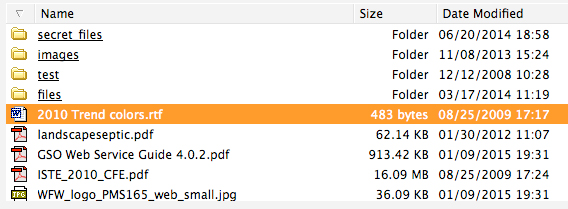
In the File Manager window, select the file you want to move
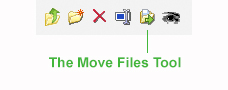
Select the Move Tool from the File Manager Tool Bar.
A warning window will appear for confirmation or to cancel the move.
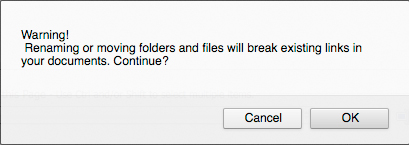
Click "OK"
From the Directory Drop down in the window that pops up, select the destination directory (where you would like to move the file to)
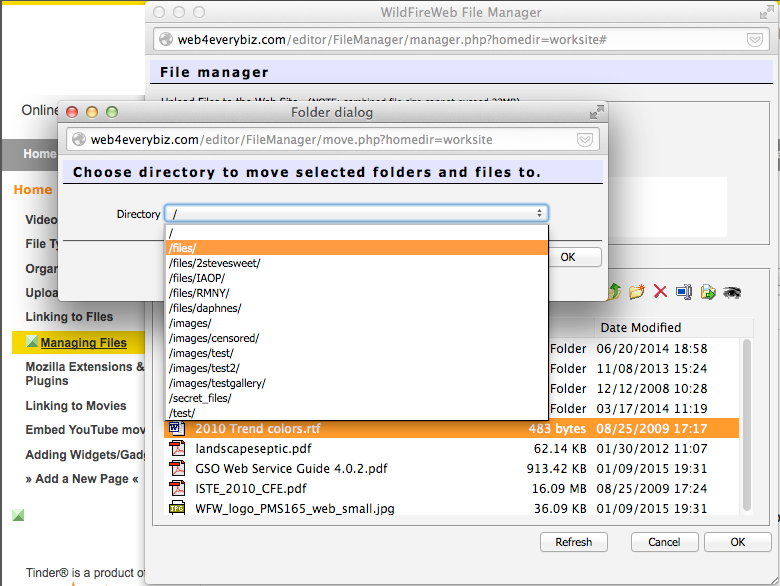
Click "OK" to complete the move.

