Instructions for using the WildFireWeb® Content Management System
Renaming Folders & Files
Rename Folders and Files using the File Manager
Open the File Manager

Files and folders can be renamed using the File Manager.
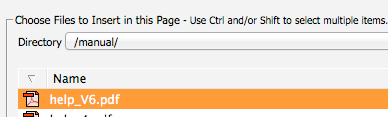
Once the File Manager Opens, Select the file or folder you wish to rename. **Caution renaming linked files and folders will cause the links to "break" Be sure to update any linked files or images after changing file names.

Select a file or folder and click the Rename tool
 button to change the name of the file or folder.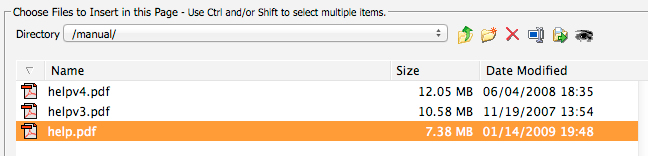
A warning window will appear for confirmation or to cancel the name change.
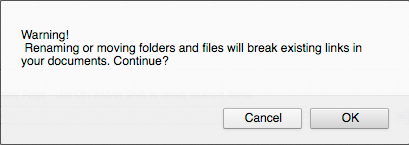
a. Click "OK" to continue. A new window will appear to type in the new name for your file or Folder.
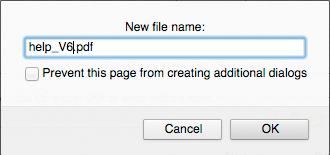
b. Click "OK" to accept the new name or "cancel" to keep the original name of the file or folder.